Describe the bug
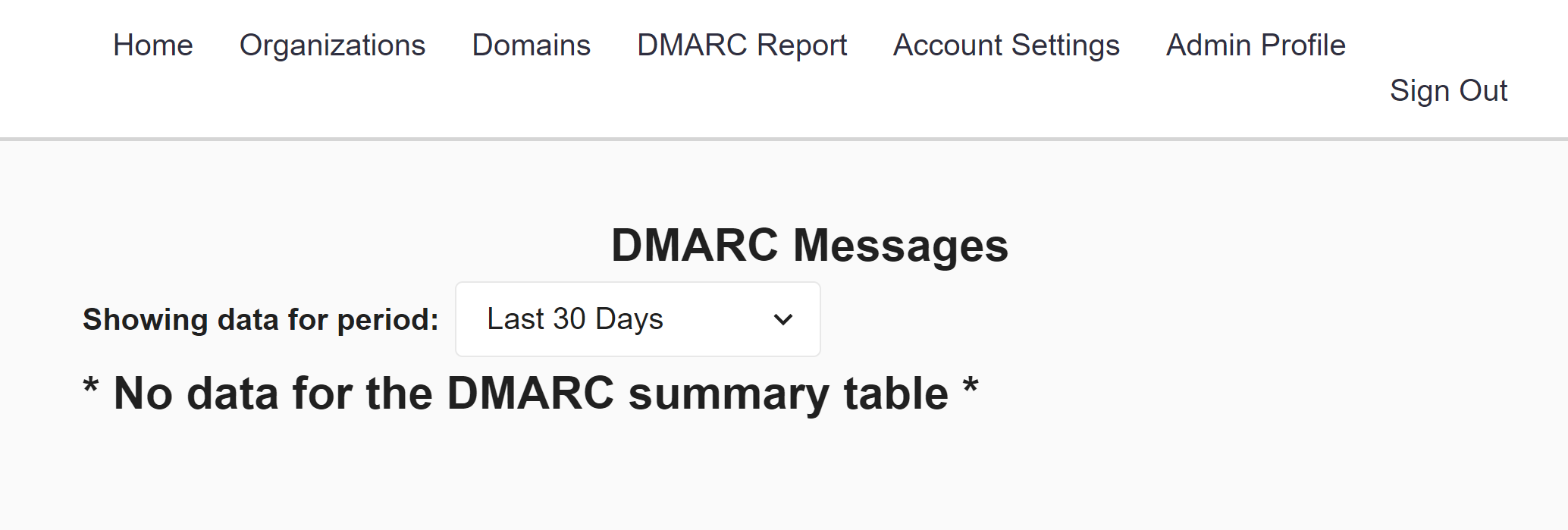
Clicking next too many times on the table at https://tracker.alpha.canada.ca/dmarc-summaries causes the table to be replaced by the "No data for the DMARC summary table" message, which removes access to pagination controls until the page is reloaded.
To Reproduce
- go to the DMARC summary table (click DMARC Report on navbar)
- set items per page to 100
- click next twice
Expected behavior
The next button should be disabled if there are no more records to show.
The error message should probably only replace the table rather than the pagination controls as well as the table.
Screenshots
After clicking next once with 100 records per page notice that there are only 95 records on this page
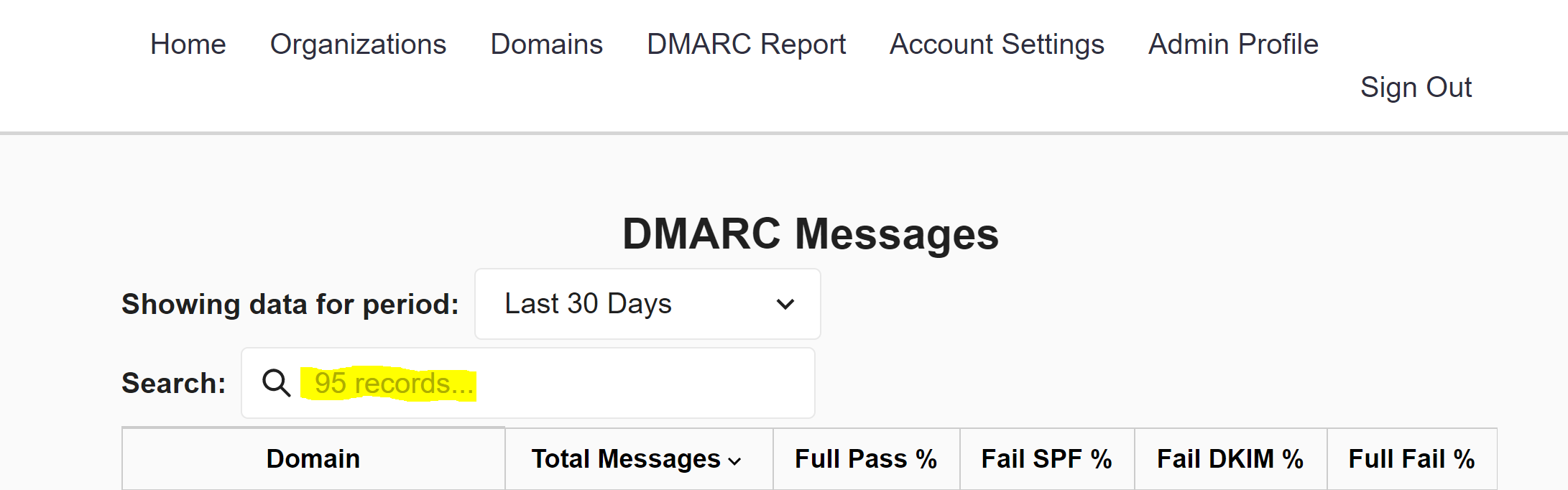
Still on the same page, the next button is not disabled

After clicking next
Desktop (please complete the following information):
- Windows 10
- Chrome
- Version 89
Additional context
If you leave the page and return after experiencing this bug (i.e. after Apollo has cached query results), the next button will be disabled as expected when there are no more results to show.

Describe the bug
Clicking next too many times on the table at https://tracker.alpha.canada.ca/dmarc-summaries causes the table to be replaced by the "No data for the DMARC summary table" message, which removes access to pagination controls until the page is reloaded.
To Reproduce
Expected behavior
The next button should be disabled if there are no more records to show.
The error message should probably only replace the table rather than the pagination controls as well as the table.
Screenshots

After clicking next once with 100 records per page notice that there are only 95 records on this page
Still on the same page, the next button is not disabled

After clicking next

Desktop (please complete the following information):
Additional context
If you leave the page and return after experiencing this bug (i.e. after Apollo has cached query results), the next button will be disabled as expected when there are no more results to show.