- Unity 2020.1.2f
- Universal Render Pipeline (URP)
- Create repo
- Create Unity project (2020.1.2f1)
- Git, Git LFS, SmartMerge
- Choose a name! @jdietrick what should it be?
- Data
- Update API with basic feed data
- Get Feed data in Unity
- Convert Feed data to JSON object
- Create EventManager
- Update API with detailed feed data
- Change format of feeds table to use
JSON_OBJECT() - Update feeds on website to use
eventDataobject from each row - Update API to use
eventDataobject from each row
- Change format of feeds table to use
- Timeline
- Timeline class
- Create playback
- Coroutine to play event at specific time
- Create code that
- Automatically gets, or handles a lack of, new events
- Can consume data from the live API or local
JSONfiles by changing dropdown option - Potentially do it like:
- Use two C# collections (either a List or Dictionary) named
bufferand ahistorythat can be sorted by a date string. - As the events are visualized, the event object is moved from the
bufferto thehistory. - If no (or not enough) new events are found on the next API call, then a "rewind" can happen where a chunk of events from history are placed back in the buffer and the "playhead" can restart at the end of the buffer (until the next check).
- Use two C# collections (either a List or Dictionary) named
- Prune players depending on max player allowed var
- Merge new data / old data
- Build timeline Visualization that shows
historyandbuffer- "Playhead" that moves horizontally with the current event
-
Historyandbufferare both visualized, with dots showing number in each collection, on either side - Playhead moves right as new events happen, increasing the
historyand decreasing the size of thebuffer - As
bufferis filled back uphistoryis deleted and playhead resets to left. - Use Colors from the website palette in the interface
- Add methods so viewer with a controller (keyboard, joystick, etc.) in the Visualization Studio OR someone using this with an iPad can: ✅
- Select players
- Desktop - Use horiz/vert axis (controller)
- Mobile - Pinch/zoom
- Zoom camera into and follow player
- Desktop - Click
- Mobile - Touch
- While zoomed-in, display additional data on that player (from feed, username, etc.)
- Basic code
- Finish design @omundy
- Shift to different player
- Desktop - Arrow key (keyboard) and horiz/vert axis (controller)
- Mobile - Swipe
- Select players
- After a period of no activity automatically
- Do nothing :-)
- Build Feed data testing / monitor UI
- Dropdown to switch between live / local
- Dropdown to switch resolutions
- Button: playback restart
- Data
- Use Feed data to build GameObjects and display in "Universe"
- Ensure players aren't added twice with new feed data
- Add player stats to API
- Get player stats json data from server 👈
- Populate zoomed-in UI display 👈
- Movement
- Create player (physics controlled) floating movement (Jellyfish?)
- Actions (controlled from code) that visualize different event types on playback @jdietrick let's go through one last time and check these off
- 👆 Stream - Click
- 👍 Stream - Like
- Player movement: Pulses bigger then glows, similar to "light bulb" effect
- Sound: Like.ogg
- Extra effects: hearts particle system like trailer?
- 🧨 Attack - awarded
- Player movement: ?
- Sound: Attack.ogg
- Extra effects: ?
- 🏆 Badge - awarded (changes depending level)
- 🍪 Consumable - found (changes depending type, stat)
- Player movement: accelerates right along the x-axis or concentric circles emanating from player’s icon
- Sound: Consumable.ogg
- Extra effects: consumable animation, drawn like "this icon", use Miguel's icons in leaderboard's feed
- 😎 Disguise - awarded
- Player movement: Opacity Shake, CSShake
- Sound: Disguise.ogg OR Spell/magic sound like https://freesound.org/people/suntemple/sounds/241809/
- Extra effects: Concentric triangles like player passes through a prism OR disquise animation, drawn like "this icon", use Miguel's icons in leaderboard's feed
- 🕷️ Tracker - blocked
- Player movement: ?
- Sound: Tracker.ogg
- Extra effects: tracker animation, drawn like "this icon", use Miguel's icons in leaderboard's feed
- 💥 Battle - In-progress
- Player movement: "rumble" CSShake little shake
- Sound: Battle-In-Progress.ogg OR Light battle music (on zoomed in)
- Extra effects: Rumble animation appears over player (dust clouds or too much?)
- 💥 Battle - Win
- Player movement: does a celebratory flip
- Sound: Battle-Win.ogg
- Extra effects: Show win screen from game OR tracker animation, drawn like "this icon", use Miguel's icons in leaderboard's feed
- 💥 Battle - Lost
- Player movement: Y-value increases +50 px (down on screen)
- Sound: Battle-Lost.ogg
- Extra effects: Goes grey or loses opacity
- 🔢 Leaderboard position changes
- Player movement: Higher in leaderboard —> longer tail
- Sound: Leaderboard.ogg
- Extra effects: Long tail inspiration: https://dribbble.com/shots/11776498-Dachshund-Skater
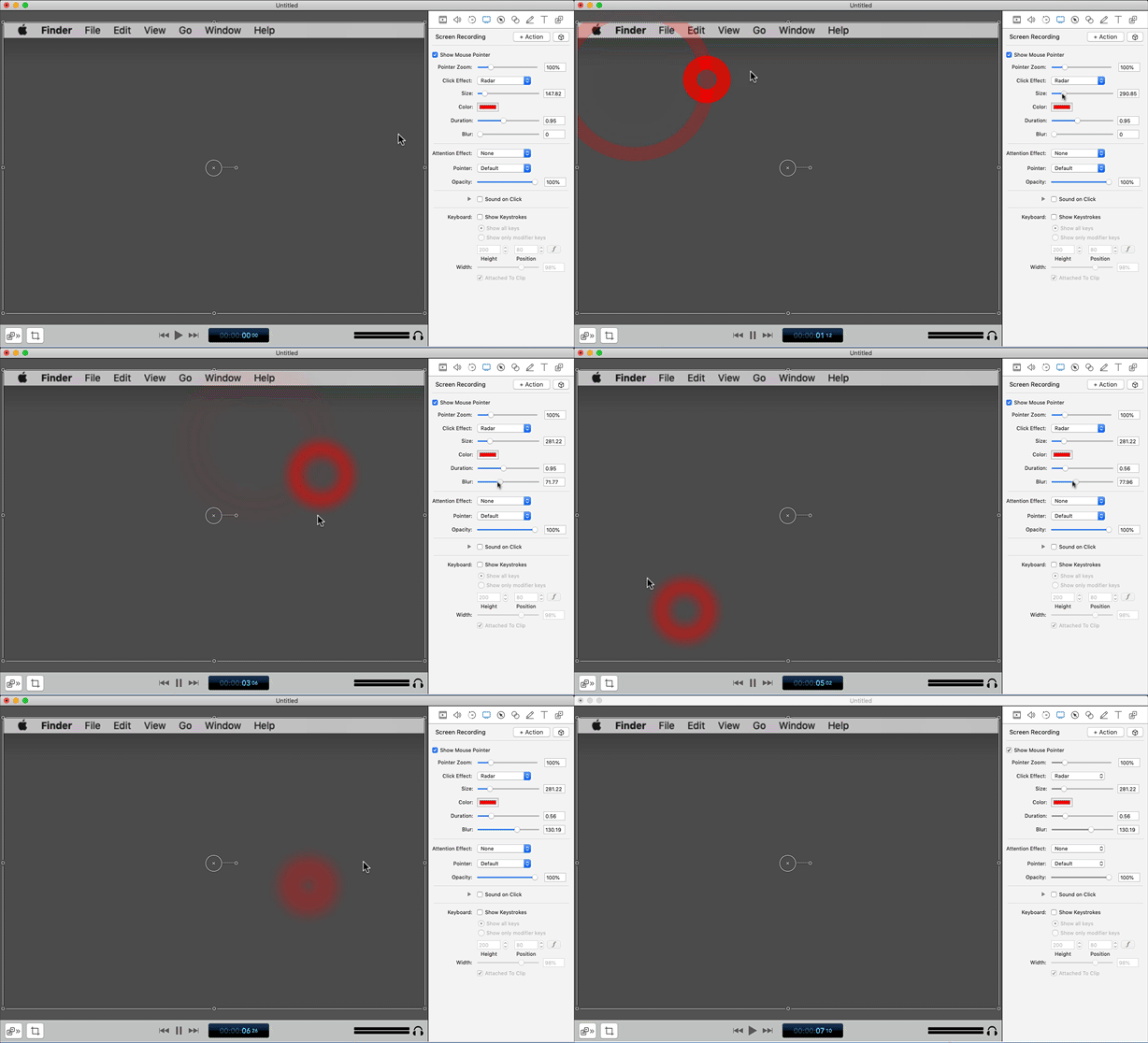
Other ideas on movement:
- CSShake hard shake
- Rumble glitch GIF, see "this pigeon"
- PlayerTrails
- Create "Nyan Cat" trails (particle system?) (some examples on google)
- Monster Sprite animation slicing
- Add monster sprites to follow players ✅
- Create animation for circular monsters @jdietrick
- Code new monster following (circular) animation ✅
- Connect each trail to a product marketing category from streams using colors from the monster gradients 👈
- Add/remove trails based on streams updates 👈
- Add/remove monsters from data trail based on streams updates 👈
- Anaglyph3D
- Add / test Anaglyph3D shader
- Marine Snow / Floating stars ✅
- Use particle system to create small floating objects to give the visual display depth, for example:
- Snow similar to the upside down floaty bits
- Detritus in undersea life a.k.a "marine snow"
- Stars in cosmos
- Use particle system to create small floating objects to give the visual display depth, for example:

- Change project to URP (Universal Render Pipeline)
- Setup 2D renderer and lights
- Point lights on GameObjects
- Light emitters on player trails
- Environmental lighting @jdietrick are we happy?
- Changes to lighting depending on time of day @jdietrick we need a visualization of this
- Add Fog @jdietrick should we do this?
- Add texture to background
- Performance - See this reference sheet which covers specifics on all of the below 👈
- CPU overhead?
- Draw Calls?
- Garbage Collection?
- Bake lighting?
- UI / Canvas
- What else?
- Figure out player control device
- Testing: Platforms / Devices / Resolutions
| device | OS | resolution | aspect ratio | notes |
|---|---|---|---|---|
| Desktop | Mac | 1920x1080 | 16:9 | --- |
| Desktop | Windows | 1920x1080 | 16:9 | --- |
| Immersion Theater | Windows? | 6816 x 2240 | 3.04:1 | --- |
| Game Lab | Windows? | 4800 x 1080 | 4.44:1 | --- |
| Visualization Studio | Windows? | 27053 x 2160 | 12.52:1 | * estimated |
| iPad | iOS | 1536 x 2048 | 1.33 | iPad 3&4, Air 1&2, Mini 2&3 |
- How to get Good Graphics in Unity (8:13)
- REALTIME LIGHTING in Unity (15:47)
- You can change the type of data to see either all data (mainly streams, but also game data) or feed (only game objects, which is more diverse). Select DataManager and change “Chosen endpoint” to “Range plus stream 1 hour” or “Recent 20” (this is the more diverse game objects).