- Unity 2020.1, URP
- Create repo
- Create Unity project (2020.1.2f1)
- Git, Git LFS, SmartMerge
- Choose a name!
- Data
- Update API with basic feed data
- Get Feed data in Unity
- Convert Feed data to JSON object
- Create EventManager
- Update API with detailed feed data
- Change format of feeds table to use
JSON_OBJECT() - Update feeds on website to use
eventDataobject from each row - Update API to use
eventDataobject from each row
- Change format of feeds table to use
- Timeline
- Timeline class
- Create playback
- Coroutine to play event at specific time
- Create code that
- Automatically gets, or handles a lack of, new events
- Can consume data from the live API or local
JSONfiles without changing anything
- Potentially do it like:
- Use two C# collections (either a List or Dictionary) named
bufferand ahistorythat can be sorted by a date string. - As the events are visualized, the event object is moved from the
bufferto thehistory. - If no (or not enough) new events are found on the next API call, then a "rewind" can happen where a chunk of events from history are placed back in the buffer and the "playhead" can restart at the end of the buffer (until the next check).
- Use two C# collections (either a List or Dictionary) named
- Build timeline Visualization that shows
historyandbuffer👈- "Playhead" that moves horizontally with the current event
-
Historyandbufferare both visualized, with dots showing number in each collection, on either side - Playhead moves right as new events happen, increasing the
historyand decreasing the size of thebuffer - As
bufferis filled back uphistoryis deleted and playhead resets to left. - Use Colors from the website palette in the interface
- Add methods so viewer with a controller (keyboard, joystick, etc.) in the Visualization Studio OR someone using this with an iPad can: 👈
- Use horiz/vert axis (controller) or pinch/zoom (tablet) to select different players
- Click / press button / touch to zoom camera into and follow player
- While zoomed-in, display additional data on that player (from feed, username, etc.)
- Use horiz/vert axis (controller) or swipe (tablet) to shift to different player
- Either after a period of no activity automatically, or with player click / press button to, zoom back out
- Build Feed data testing / monitor UI
- Dropdown to switch between live / local
- Button: playback restart
- Sprite animation slicing
- Add monster sprites to follow players 👈
- Initialize
- Use Feed data to build GameObjects and display in "Universe"
- Ensure players aren't added twice with new feed data
- Movement
- Create player (physics controlled) floating movement (Jellyfish?)
- Actions (controlled from code) that visualize different event types on playback
- Stream - Click
- Player movement: velocity and Y position increases, random X direction
- Sound: ping
- Extra effects: expanding concentric rings similar to "radar" effect but with better colors
- Stream - Like
- Player movement: Pulses bigger then glows, similar to "light bulb" effect
- Sound: ?
- Extra effects: hearts particle system like trailer?
- Attack - awarded
- Player movement: ?
- Sound: ?
- Extra effects: ?
- Badge - awarded (changes depending level)
- Player movement: accelerates right along the x-axis or concentric circles emanating from player’s icon
- Sound: ?
- Extra effects: badge animation, drawn like "this icon", use Miguel's icons in leaderboard's feed
- Consumable - found (changes depending type, stat)
- Player movement: accelerates right along the x-axis or concentric circles emanating from player’s icon
- Sound: ?
- Extra effects: consumable animation, drawn like "this icon", use Miguel's icons in leaderboard's feed
- Disguise - awarded
- Player movement: Opacity Shake, CSShake
- Sound: Spell/magic sound like https://freesound.org/people/suntemple/sounds/241809/
- Extra effects: Concentric triangles like player passes through a prism OR disquise animation, drawn like "this icon", use Miguel's icons in leaderboard's feed
- Tracker - blocked
- Player movement: ?
- Sound: ?
- Extra effects: tracker animation, drawn like "this icon", use Miguel's icons in leaderboard's feed
- Battle
- In-progress
- Player movement: "rumble" CSShake little shake
- Sound: Light battle music (on zoomed in)
- Extra effects: Rumble animation appears over player (dust clouds or too much?)
- Launch Attack
- Player movement: CSShake hard shake
- Sound: ?
- Extra effects: Attack animation GIF
- Receive Hit
- Player movement: CSShake hard shake
- Sound: ?
- Extra effects: Rumble glitch GIF, see "this pigeon"
- Win
- Player movement: does a celebratory flip
- Sound: ?
- Extra effects: Show win screen from game OR tracker animation, drawn like "this icon", use Miguel's icons in leaderboard's feed
- Lost
- Player movement: Y-value increases +50 px (down on screen)
- Sound: ?
- Extra effects: Goes grey or loses opacity
- In-progress
- Leaderboard position changes
- Player movement: Higher in leaderboard —> longer tail
- Sound: ?
- Extra effects: Long tail inspiration: https://dribbble.com/shots/11776498-Dachshund-Skater
- Stream - Click
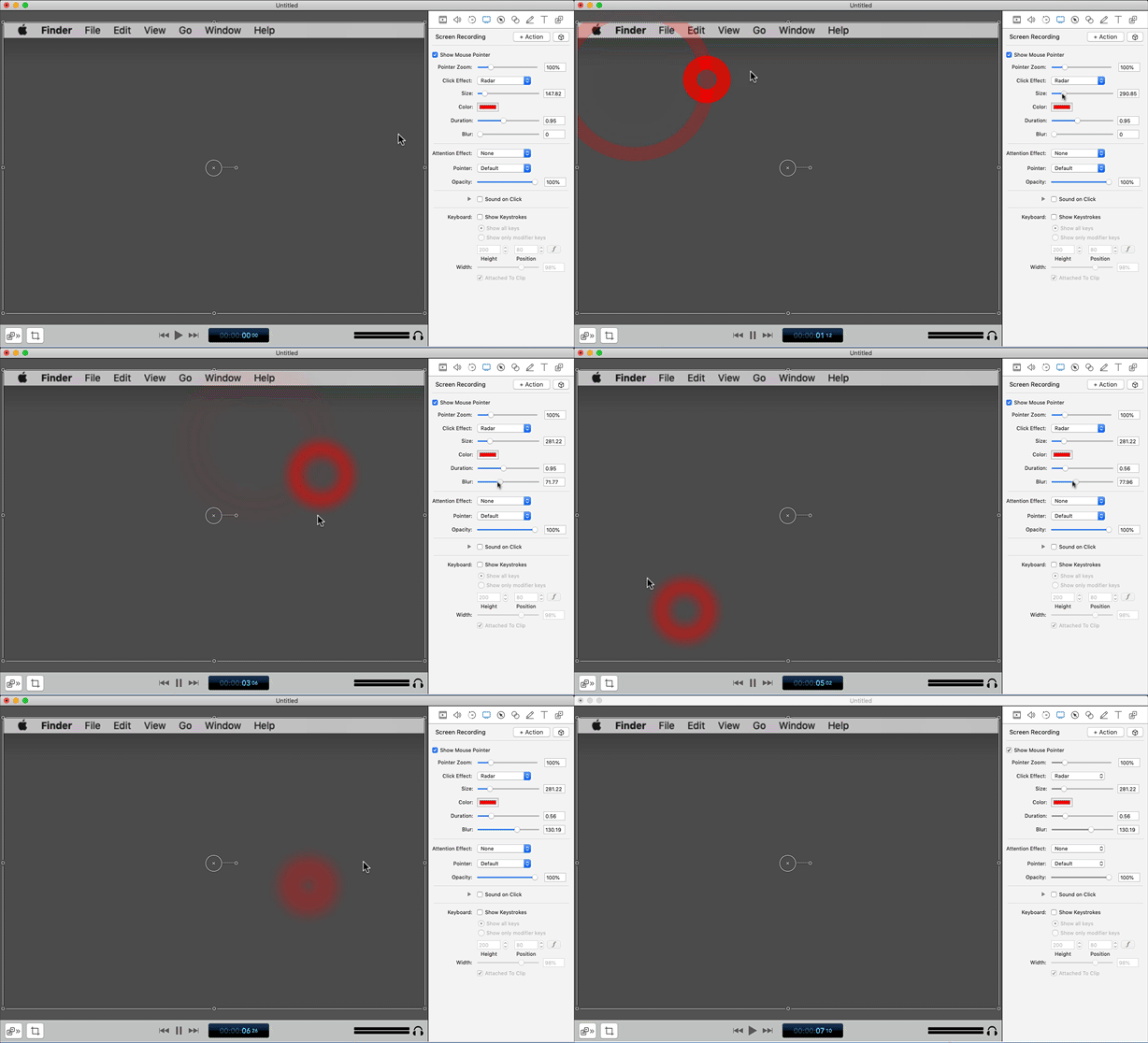
- PlayerTrails 👈
- Create "Nyan Cat" trails (particle system?) (some examples on google)
- Connect each trail to a product marketing category from streams using colors from the monster gradients
- Add/remove trails based on streams updates
- Add/remove monsters from data trail based on streams updates
- Anaglyph3D
- Add / test Anaglyph3D shader
- Marine Snow / Floating stars 👈
- Use particle system to create small floating objects to give the visual display depth, for example:
- Snow similar to the upside down floaty bits
- Detritus in undersea life a.k.a "marine snow"
- Stars in cosmos
- Use particle system to create small floating objects to give the visual display depth, for example:

- Change project to URP (Universal Render Pipeline)
- Setup 2D renderer and lights
- Point lights on GameObjects
- Light emitters on player trails
- Environmental lighting
- Changes to lighting depending on time of day
- Baking, etc. performance considerations
- Add Fog
- Add texture to background
- NCSU Visualization Studio
- Implement 8 camera system
- Figure out player control device
- Mobile app?
- How to get Good Graphics in Unity (8:13)
- REALTIME LIGHTING in Unity (15:47)