To do
- Setup
- Create repo
- Create Unity project (2020.1.2f1)
- Data
- Update API with basic feed data
- Get Feed data in Unity
- Convert Feed data to JSON object
- Create EventManager
- Update API with detailed feed data
- Change format of feeds table to use
JSON_OBJECT() - Update feeds on website to use
eventDataobject from each row - Update API to use
eventDataobject from each row
- Change format of feeds table to use
- Build Feed data testing / monitor UI
- Timeline
- Time UI class
- Button: Change refresh time
- Button: playback restart
- Scrubber: playback speed
- Create playback
- Coroutine to play event at specific time
- Time UI class
- Visuals -> Monsters
- Create addressables system for sprite animation slicing workflow
- Create MonsterPool
- Create add / subtract from pool methods
- Visuals -> Players
- Initialize
- Use Feed data to build GameObjects and display in "Universe"
- Ensure players aren't added twice with new feed data
- Player -> Actions 👈
- Create a series of actions (physics controlled from methods) that visualize different event types on playback
- Stream
- Click
- Player movement: velocity and Y position increases, random X direction
- Sound: ping
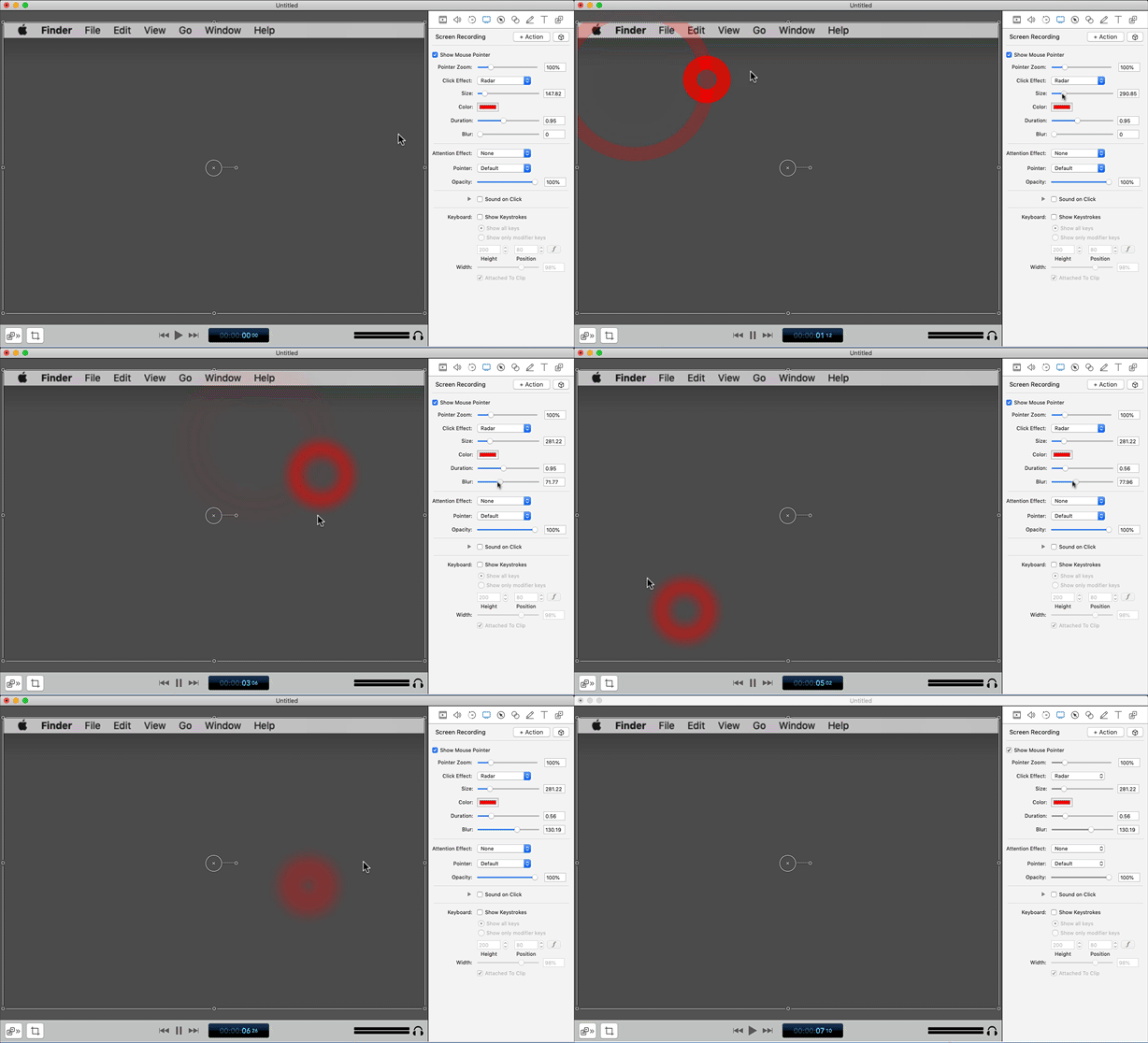
- Extra effects: expanding concentric rings similar to "radar" effect but with better colors
- Like
- Player movement: Pulses bigger then glows, similar to "light bulb" effect
- Sound: ?
- Extra effects: hearts particle system like trailer?
- Click
- Attack
- Awarded
- Player movement: ?
- Sound: ?
- Extra effects: ?
- Awarded
- Badge
- Awarded (changes depending level)
- Player movement: accelerates right along the x-axis or concentric circles emanating from player’s icon
- Sound: ?
- Extra effects: badge animation, drawn like "this icon", use Miquels icons in leaderboard's feed
- Awarded (changes depending level)
- Consumable
- Found (changes depending type, stat)
- Player movement: accelerates right along the x-axis or concentric circles emanating from player’s icon
- Sound: ?
- Extra effects: consumable animation, drawn like "this icon", use Miquels icons in leaderboard's feed
- Found (changes depending type, stat)
- Disguise
- Awarded
- Player movement: Opacity Shake, CSShake
- Sound: Spell/magic sound like https://freesound.org/people/suntemple/sounds/241809/
- Extra effects: Concentric triangles like player passes through a prism OR disquise animation, drawn like "this icon", use Miquels icons in leaderboard's feed
- Awarded
- Tracker
- Blocked
- Player movement: ?
- Sound: ?
- Extra effects: tracker animation, drawn like "this icon", use Miquels icons in leaderboard's feed
- Blocked
- Battle
- In-progress
- Player movement: "rumble" CSShake little shake
- Sound: Light battle music (on zoomed in)
- Extra effects: Rumble animation appears over player (dust clouds or too much?)
- Launch Attack
- Player movement: CSShake hard shake
- Sound: ?
- Extra effects: Attack animation GIF
- In-progress
- Stream
- Receive Hit
- Player movement: CSShake hard shake
- Sound: ?
- Extra effects: Rumble glitch GIF, see "this pigeon"
- Win
- Player movement: does a celebratory flip
- Sound: ?
- Extra effects: Show win screen from game OR tracker animation, drawn like "this icon", use Miquels icons in leaderboard's feed
- Lost
- Player movement: Y-value increases +50 px (down on screen)
- Sound: ?
- Extra effects: Goes grey or loses opacity
- Leaderboard
- Position in leaderboard changes
- Player movement: Higher in leaderboard —> longer tail
- Sound: ?
- Extra effects: Long tail inspiration: https://dribbble.com/shots/11776498-Dachshund-Skater
- Position in leaderboard changes
- Win
- Create a series of actions (physics controlled from methods) that visualize different event types on playback
- User -> Movement 👈
- Create user (physics controlled) floating movement (Jellyfish?)
- User -> Trails 👈
- Initialize
- Visuals -> Anaglyph3D
- Add / test Anaglyph3D shader
- Visuals -> Effects
- Particles 👈
- Use particle system to create small floating objects to give the visual display depth
- Snow similar to the upside down floaty bits
- Detritus in undersea life a.k.a "marine snow"
- Stars in cosmos
- Use particle system to create small floating objects to give the visual display depth
- Particles 👈
- Visuals -> Lighting
- Lighting 👈
- Change project to URP (Universal Render Pipeline)
- Setup 2D renderer and lights
- Point lights on GameObjects
- Light emitters on user trails
- Environmental lighting
- Changes to lighting depending on time of day
- Baking, etc. performance considerations
- Fog examples 1, 2, 3
- Background
- Lighting 👈
- Test in space
- 8 cameras
- Figure out user control device

- How to get Good Graphics in Unity (8:13)
- REALTIME LIGHTING in Unity (15:47)