To do
- Setup
- Create repo
- Create Unity project (2020.1.2f1)
- Data
- Update API with basic feed data
- Get Feed data in Unity
- Convert Feed data to JSON object
- Create EventManager
- Update API with detailed feed data
- Change format of feeds table to use
JSON_OBJECT() - Update feeds on website to use
eventDataobject from each row - Update API to use
eventDataobject from each row
- Change format of feeds table to use
- Build Feed data testing / monitor UI
- Timeline
- Time UI class
- Button: Change refresh time
- Button: playback restart
- Scrubber: playback speed
- Create playback
- Coroutine to play event at specific time
- Time UI class
- Visuals -> Monsters
- Create addressables system for sprite animation slicing workflow
- Create MonsterPool
- Create add / subtract from pool methods
- Visuals -> Players
- Initialize
- Use Feed data to build GameObjects and display in "Universe"
- Ensure players aren't added twice with new feed data
- Player -> Actions 👈
- Create a series of actions (physics controlled from methods) that visualize different event types on playback
- Stream
- Click
- Player movement: velocity and Y position increases, random X direction
- Sound: ping
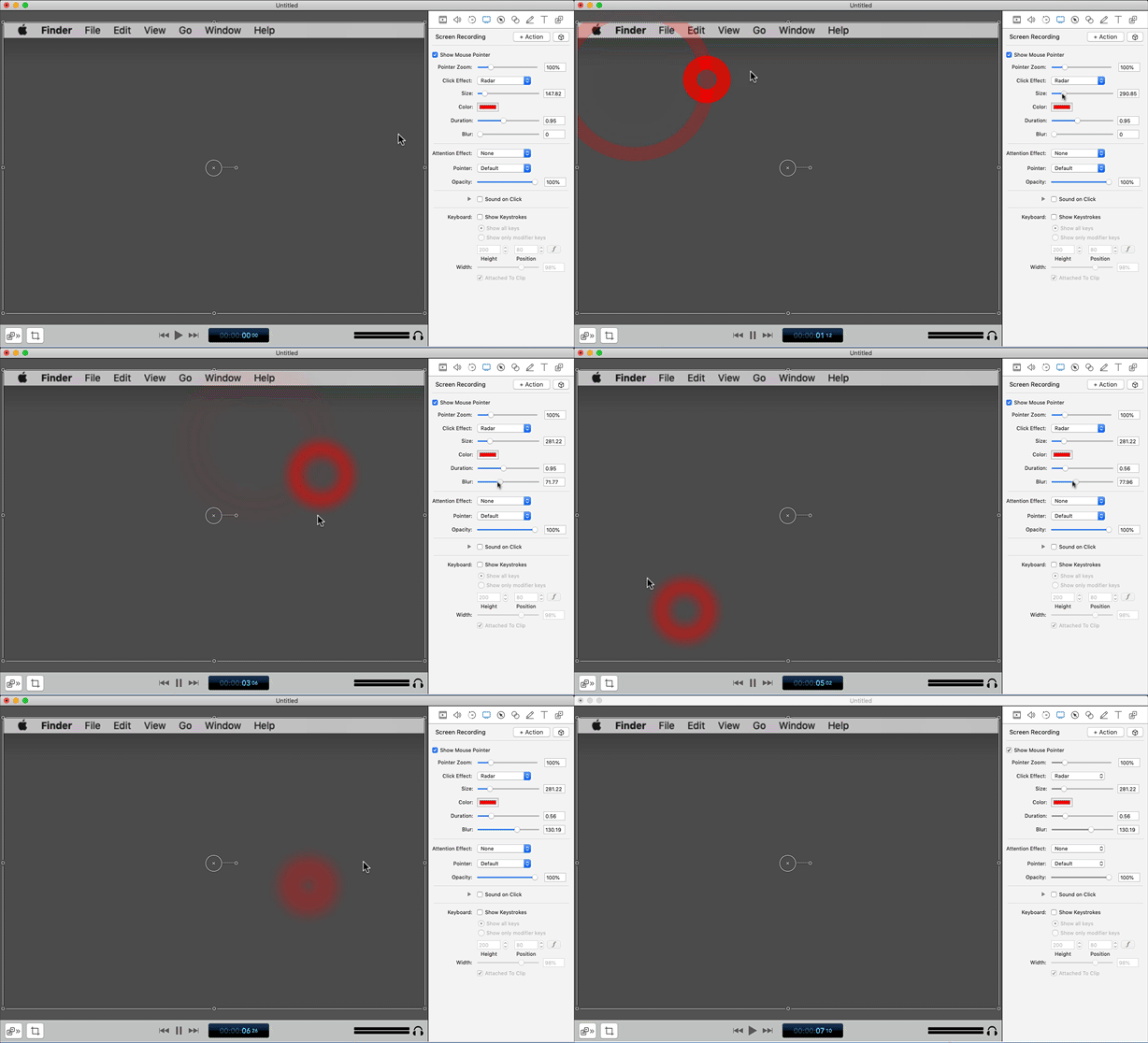
- Animation: expanding concentric rings similar to "radar" effect but with better colors
- Like
- Player movement: ?
- Sound: ?
- Animation: ?
- Click
- Attack
- Awarded
- Player movement: ?
- Sound: ?
- Animation: ?
- Awarded
- Badge
- Awarded (changes depending level)
- Player movement: ?
- Sound: ?
- Animation: ?
- Awarded (changes depending level)
- Consumable
- Found (changes depending type, stat)
- Player movement: ?
- Sound: ?
- Animation: ?
- Found (changes depending type, stat)
- Disguise
- Awarded
- Player movement: ?
- Sound: ?
- Animation: ?
- Awarded
- Tracker
- Blocked
- Player movement: ?
- Sound: ?
- Animation: ?
- Blocked
- Battle
- In-progress
- Player movement: ?
- Sound: Light battle music (on zoomed in)
- Animations: Rumble animation appears over player
- Attack
- Player movement: ?
- Sound: ?
- Animation: Attack animation GIF
- Win
- Player movement: ?
- Sound: ?
- Animation: Show win screen from game
- Lost
- Player movement: ?
- Sound: ?
- Animation: ?
- In-progress
- Leaderboard
- Position in leaderboard changes
- Player movement: ?
- Sound: ?
- Animation: ?
- Position in leaderboard changes
- Stream
- Create a series of actions (physics controlled from methods) that visualize different event types on playback
- User -> Movement 👈
- Create user (physics controlled) floating movement (Jellyfish?)
- User -> Trails 👈
- Create "Nyan Cat" trails (particle system?)
- Each trail is a product marketing category from streams
- Colors
- Add/remove monsters from data trail based on streams updates
- Create "Nyan Cat" trails (particle system?)
- Initialize
- Visuals -> Anaglyph3D
- Add / test Anaglyph3D shader
- Visuals -> Environment
- Particles 👈
- Use particle system to create small floating objects to give the visual display depth
- Snow similar to the upside down floaty bits
- Detritus in undersea life a.k.a "marine snow"
- Stars in cosmos
- Use particle system to create small floating objects to give the visual display depth
- Lighting 👈
- Background
- Particles 👈
- Test in space
- 8 cameras
- Figure out user control device
- How to get Good Graphics in Unity (8:13)
- REALTIME LIGHTING in Unity (15:47)